Native
SwiftUI and Metal, written from scratch for Apple silicon.
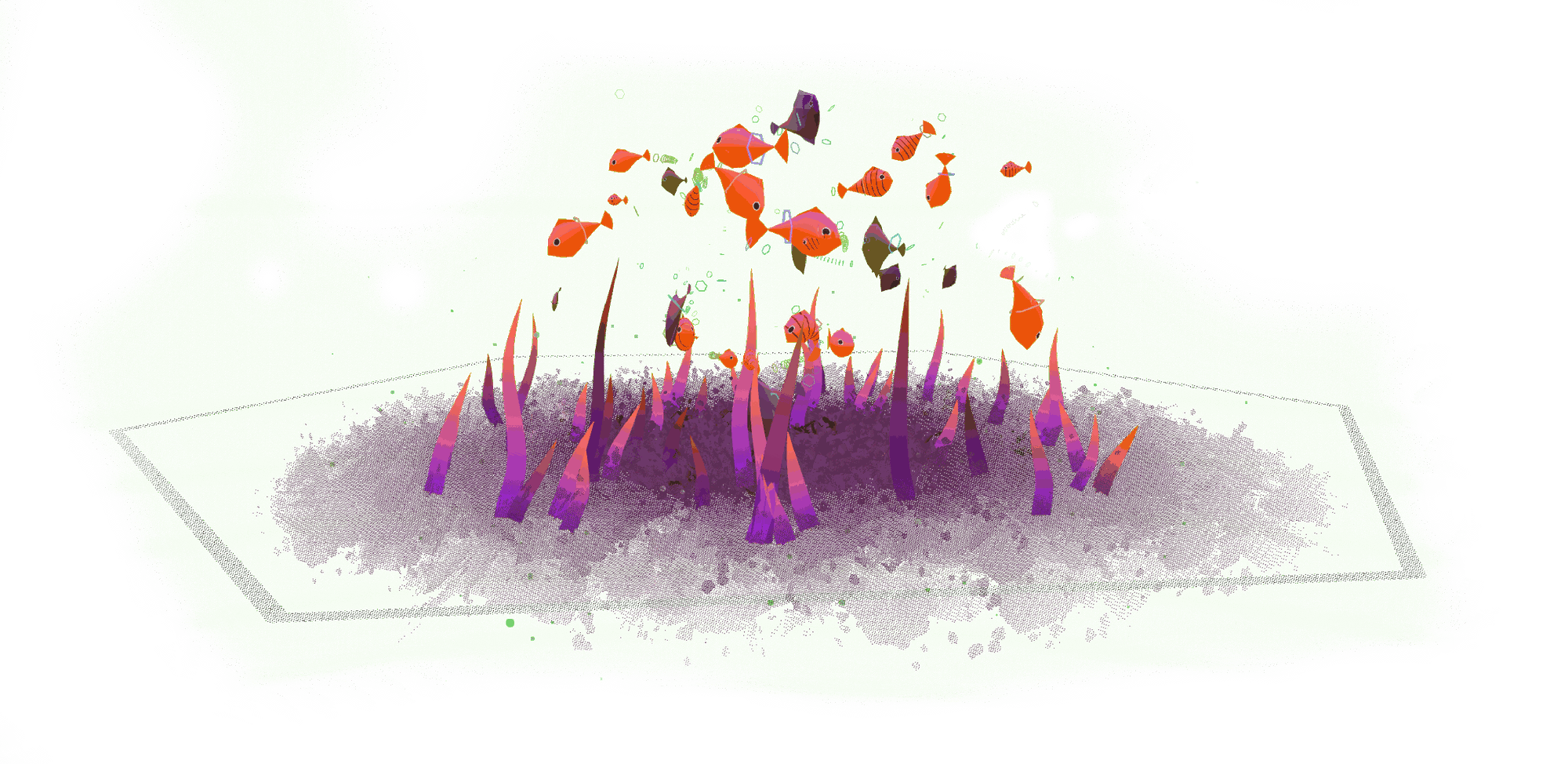
A whole shelf of tanks comes in the box,
or create your own with endless procedural options.
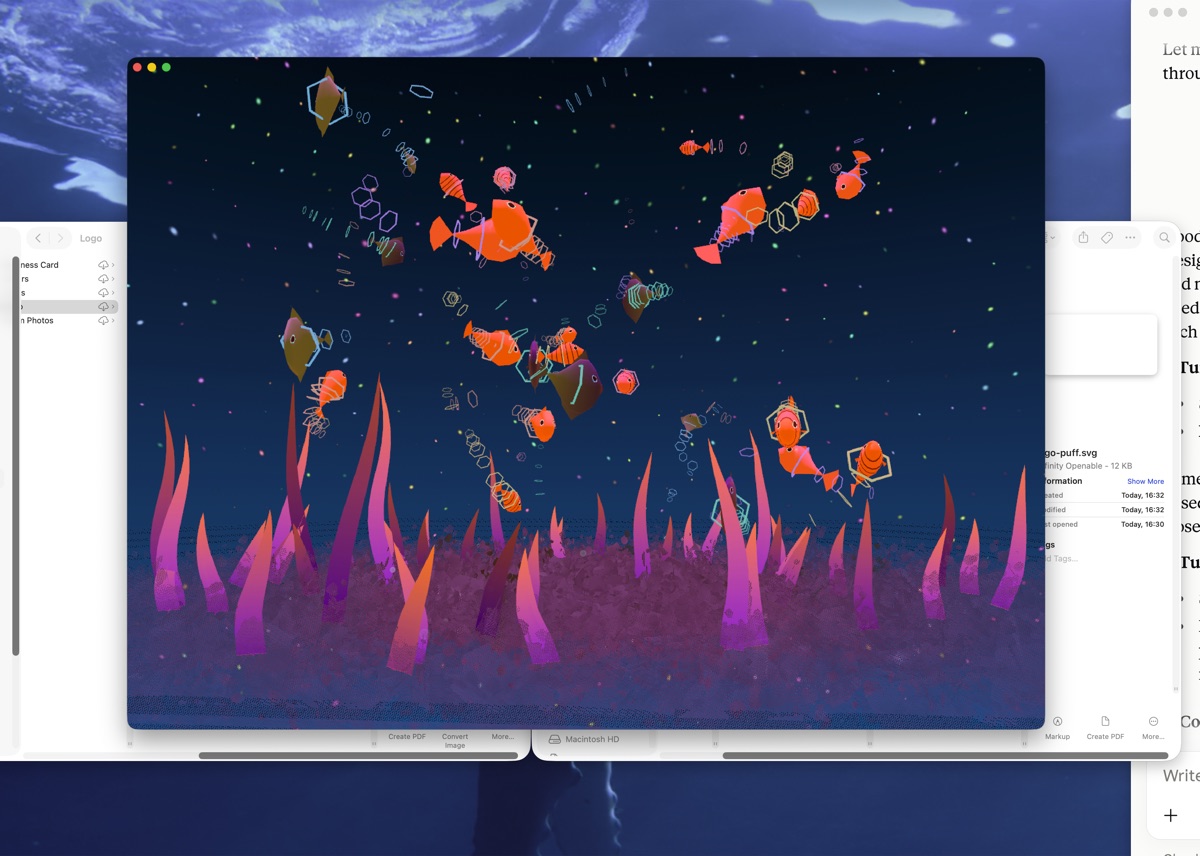
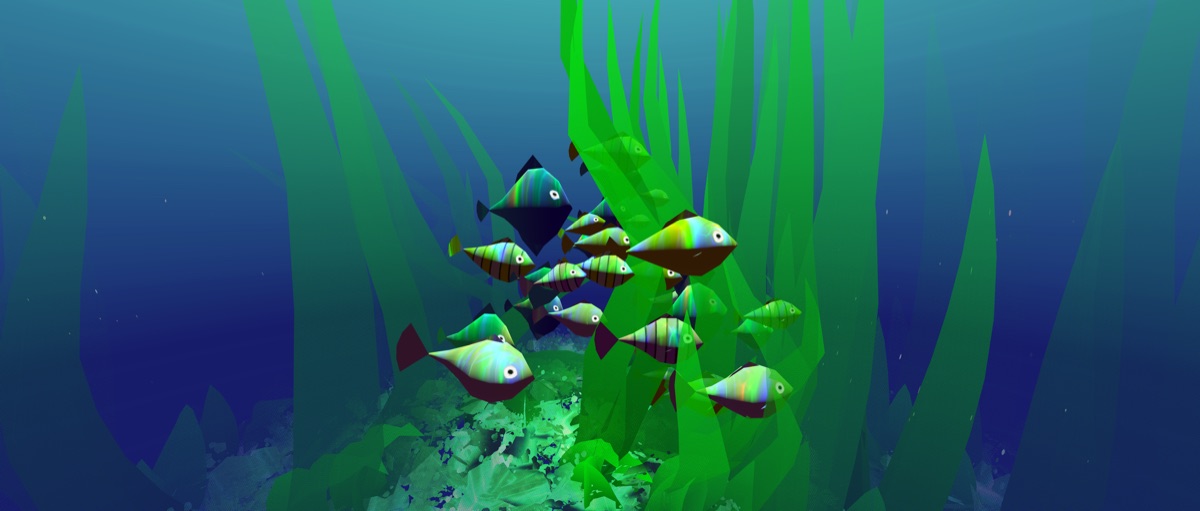
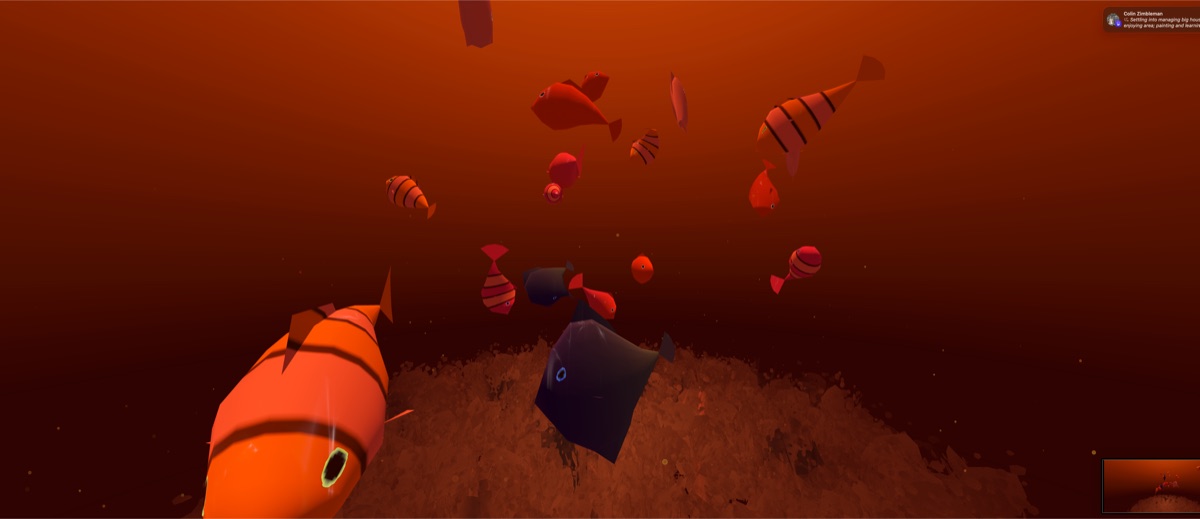

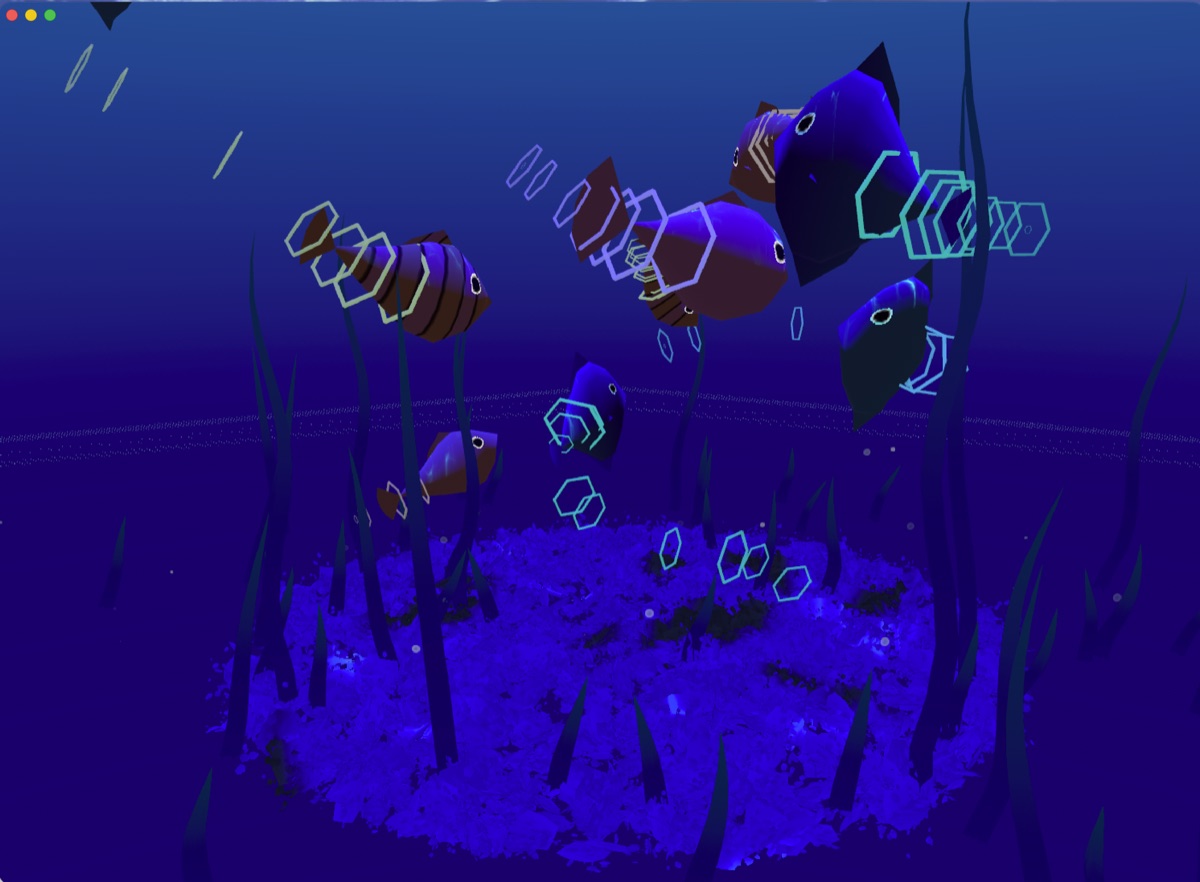
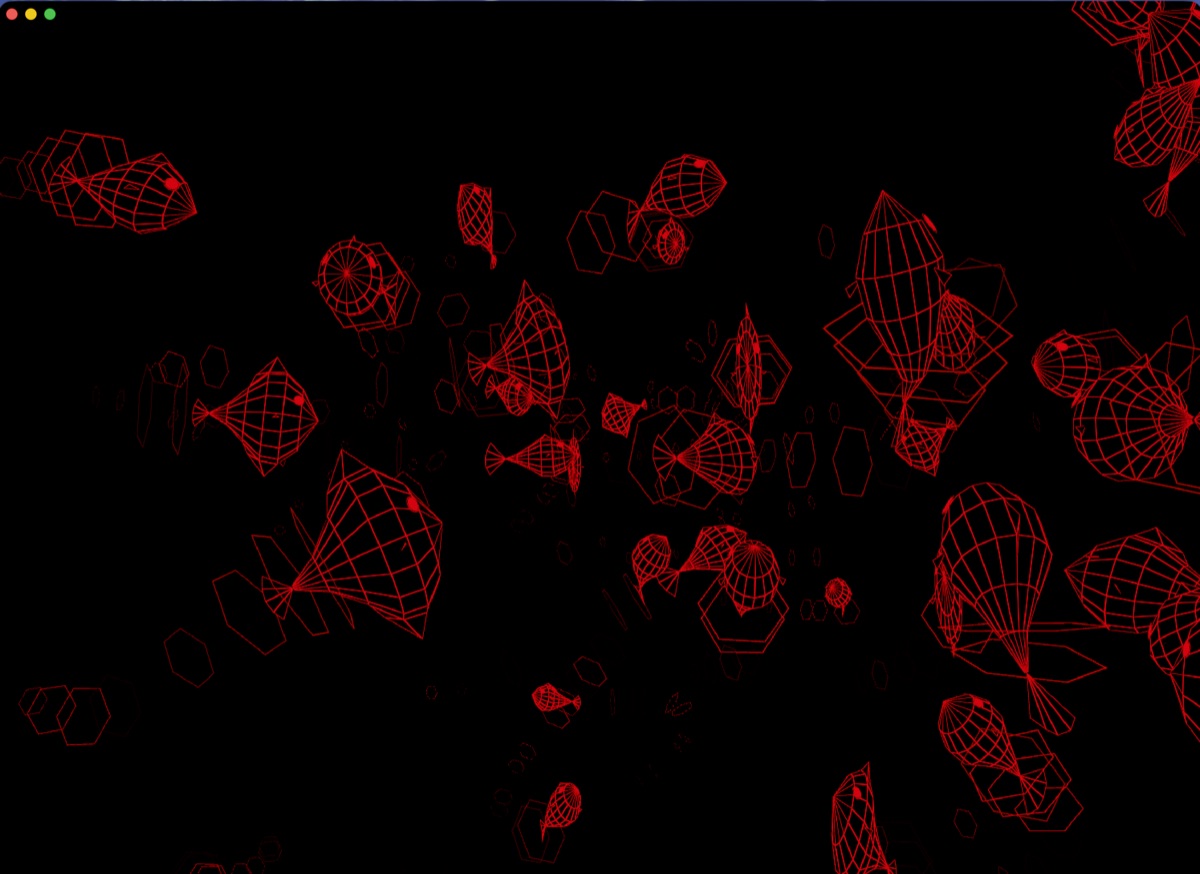
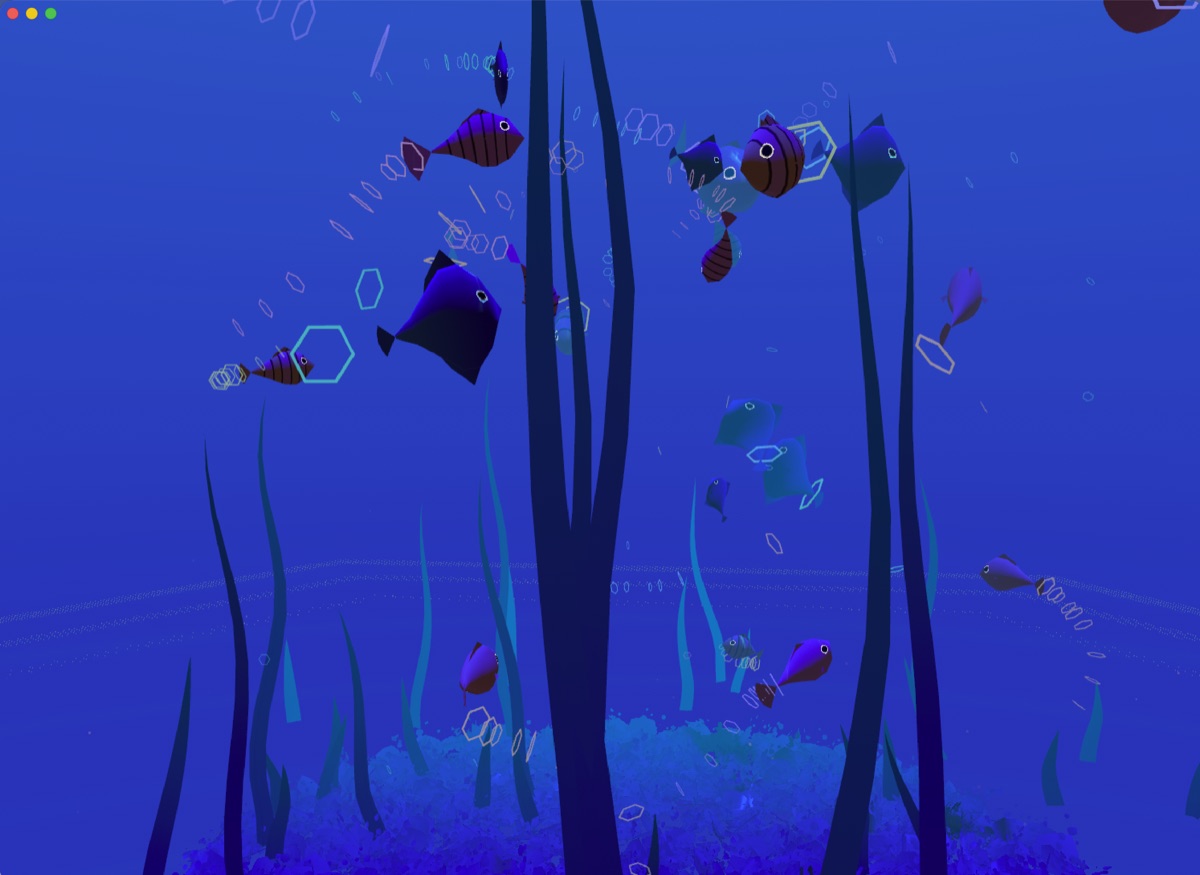

Whatever your Mac is playing, the Cyberquarium reacts to your music. A new type of ambient music visualizer.
SwiftUI and Metal, written from scratch for Apple silicon.
About as optimized as this can get. Barely touches your battery.
Drop the quality or render scale to spend even less.
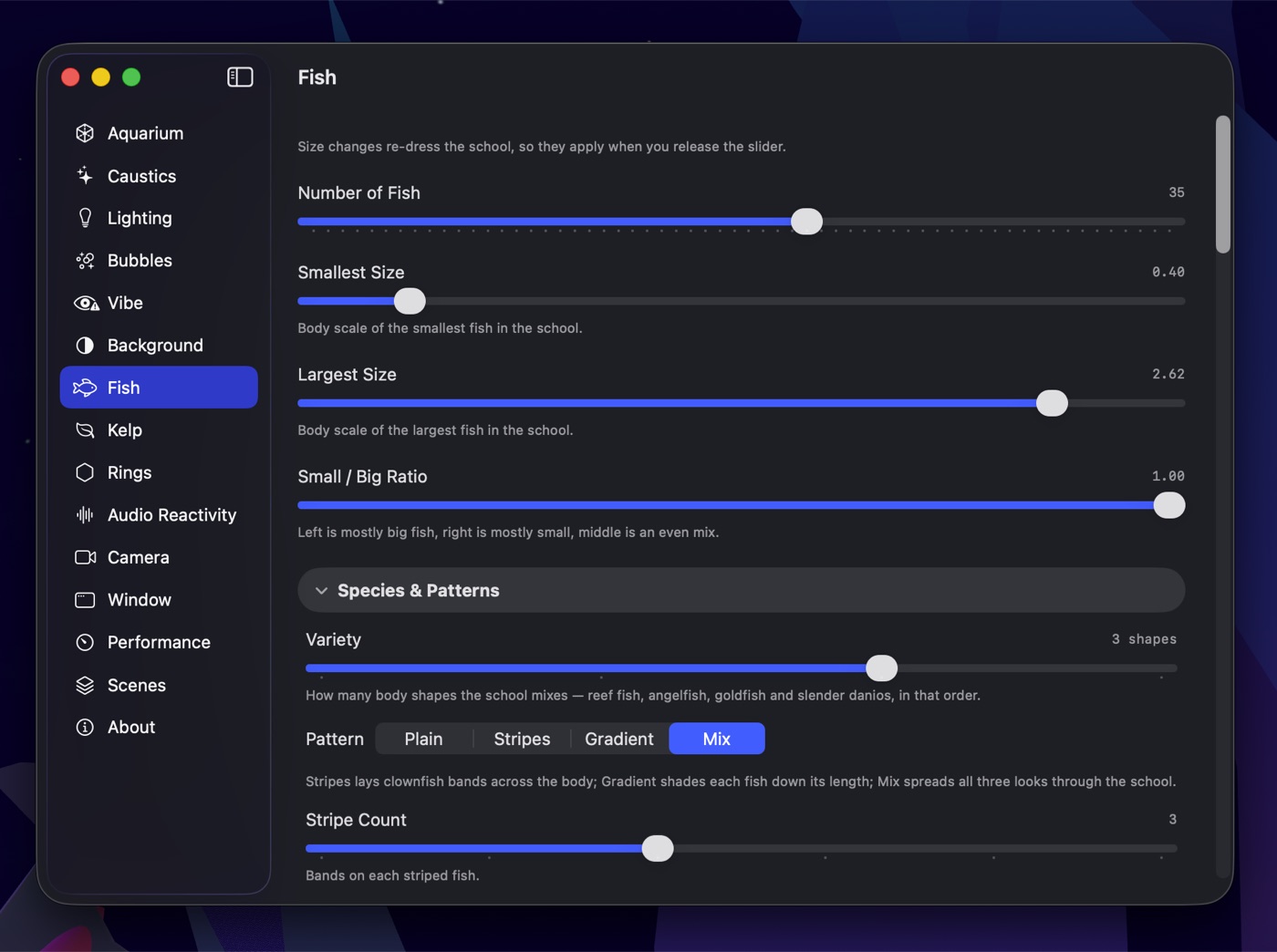
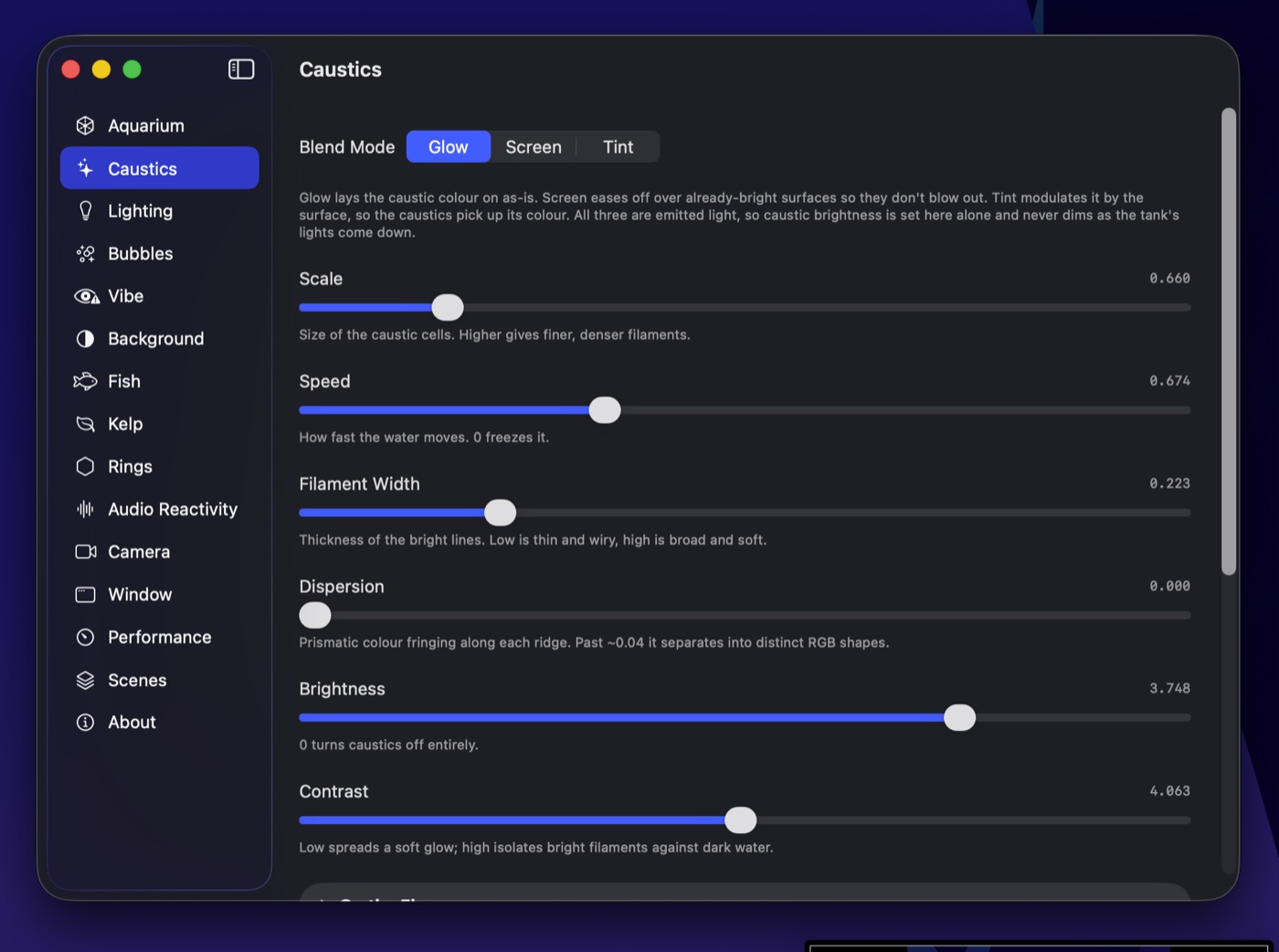
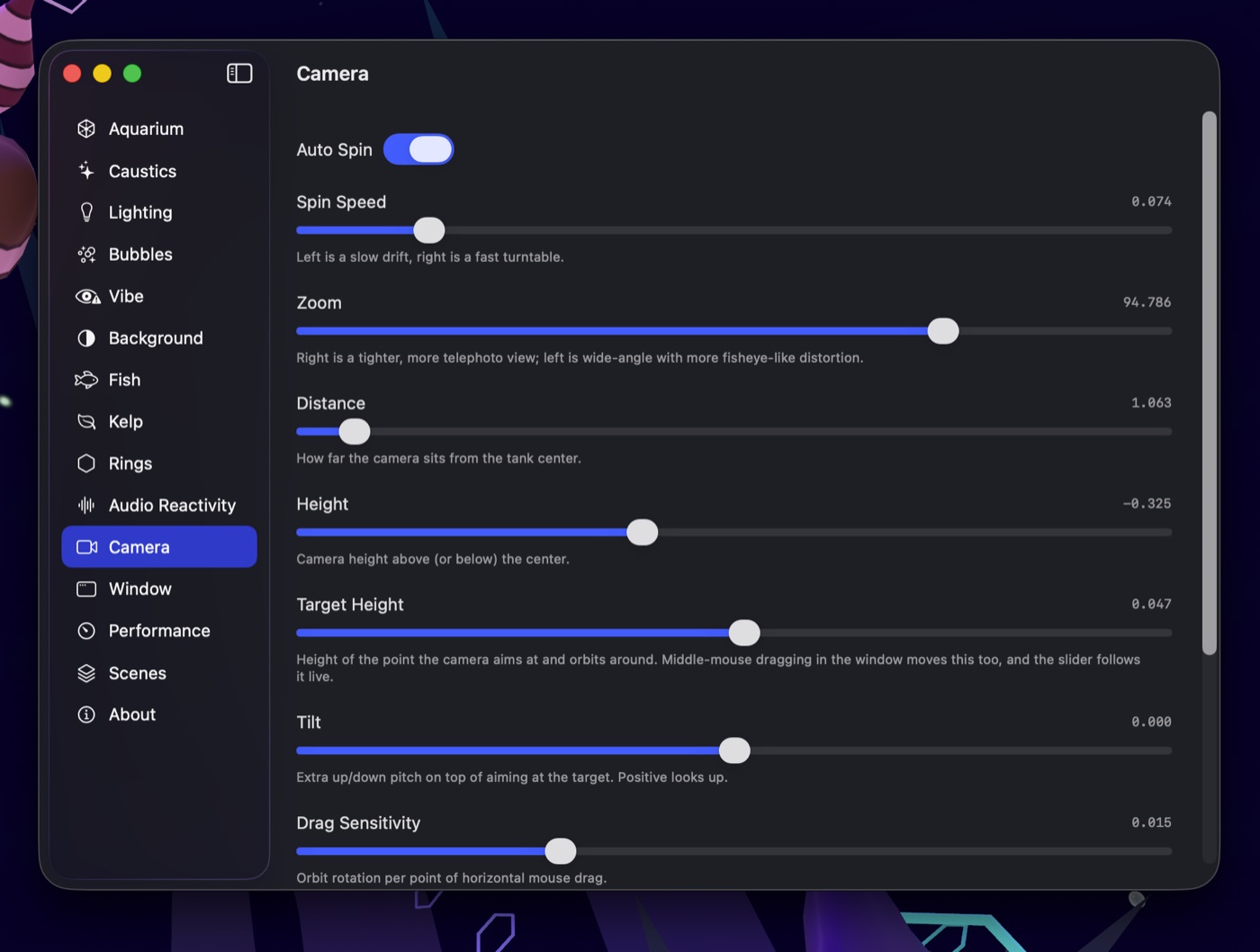
Fish, kelp, caustics, water colour, fog, camera, bubbles, audio reactivity — every knob is live. Build a tank you love, save it, and it joins the rotation between songs. Ships with presets; the good ones are the ones you make.
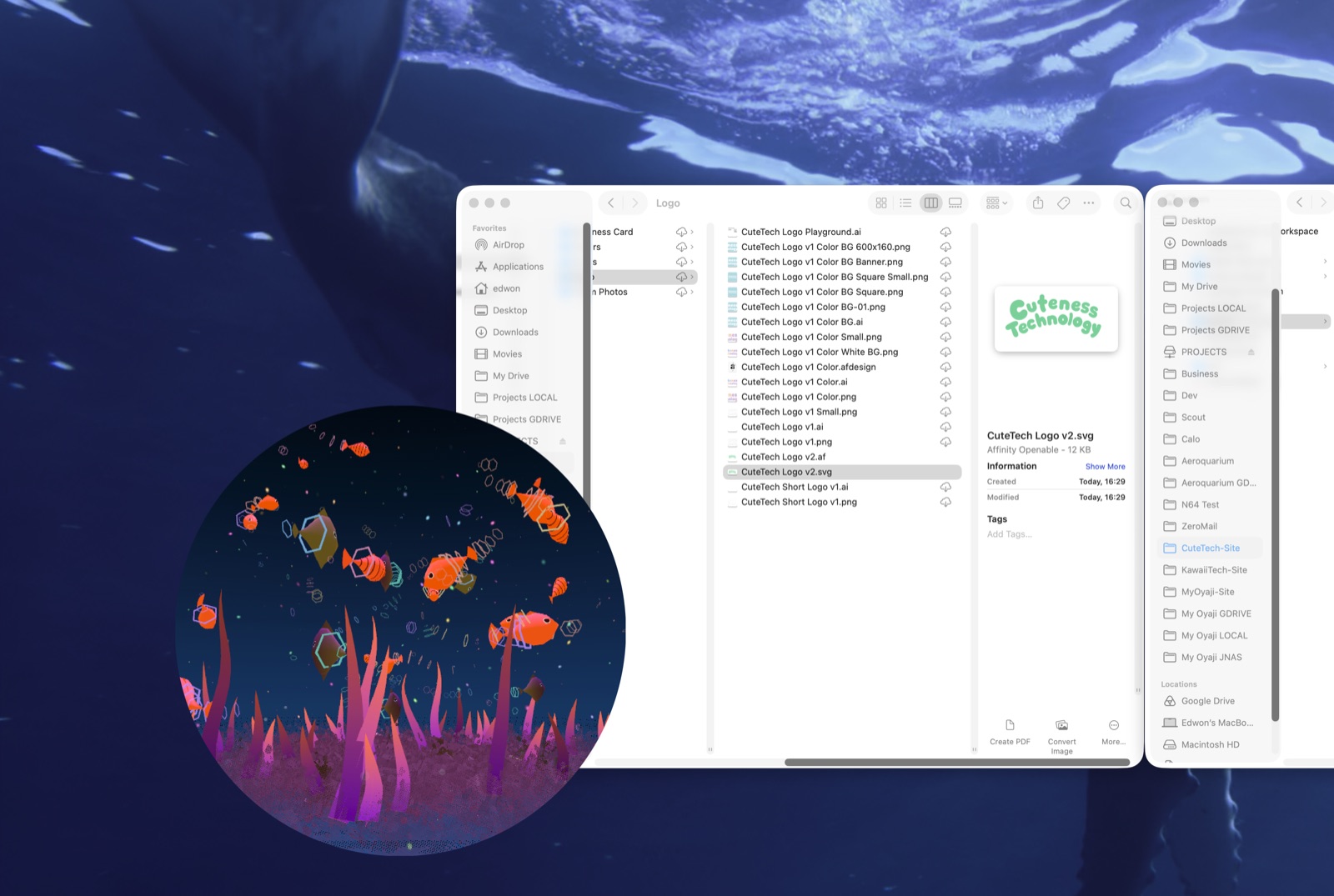
A little porthole that floats over anything. Click-through, always on top if you want.
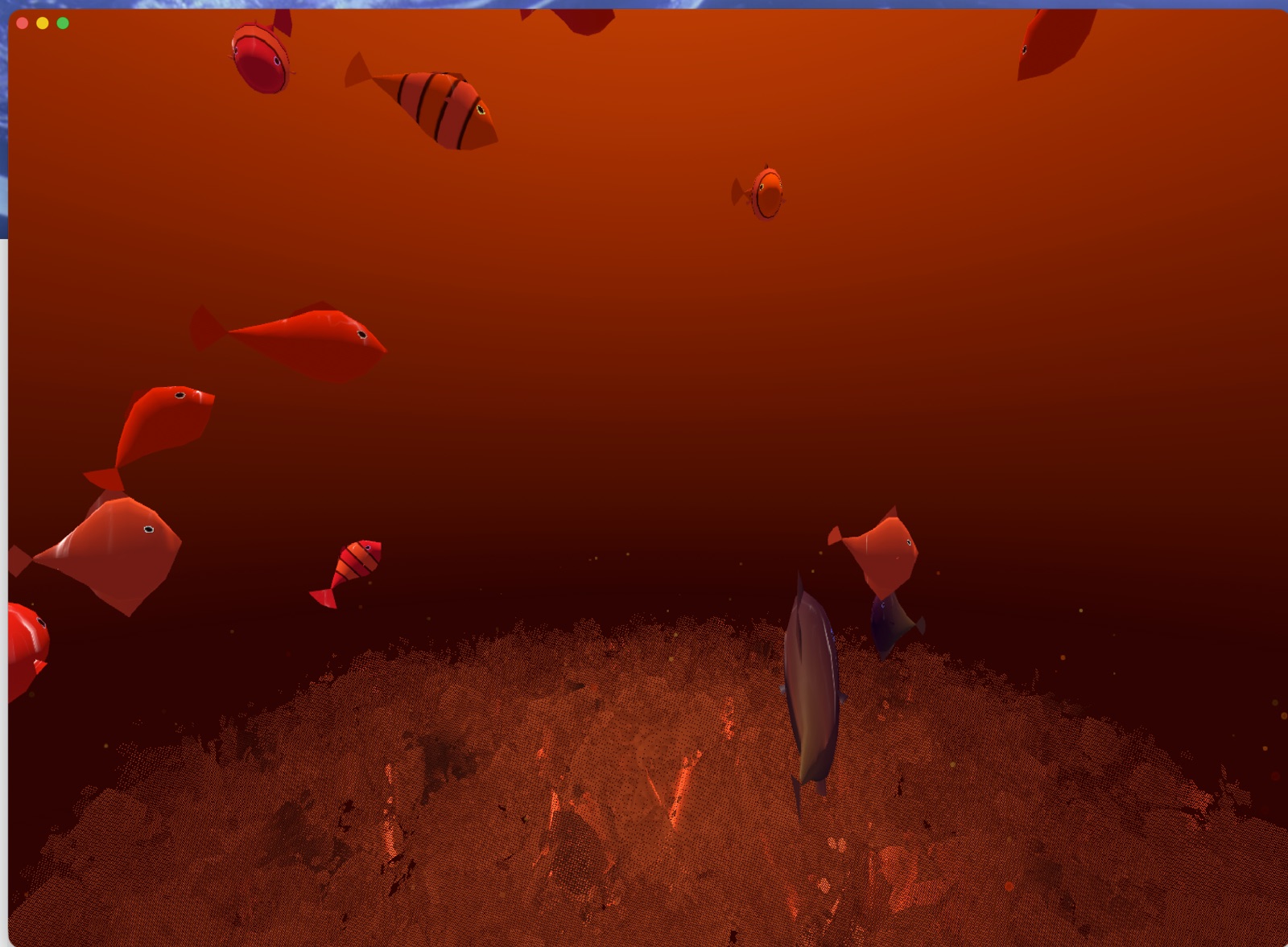
A plain resizable window. Park it in a corner, or snap it beside your work.
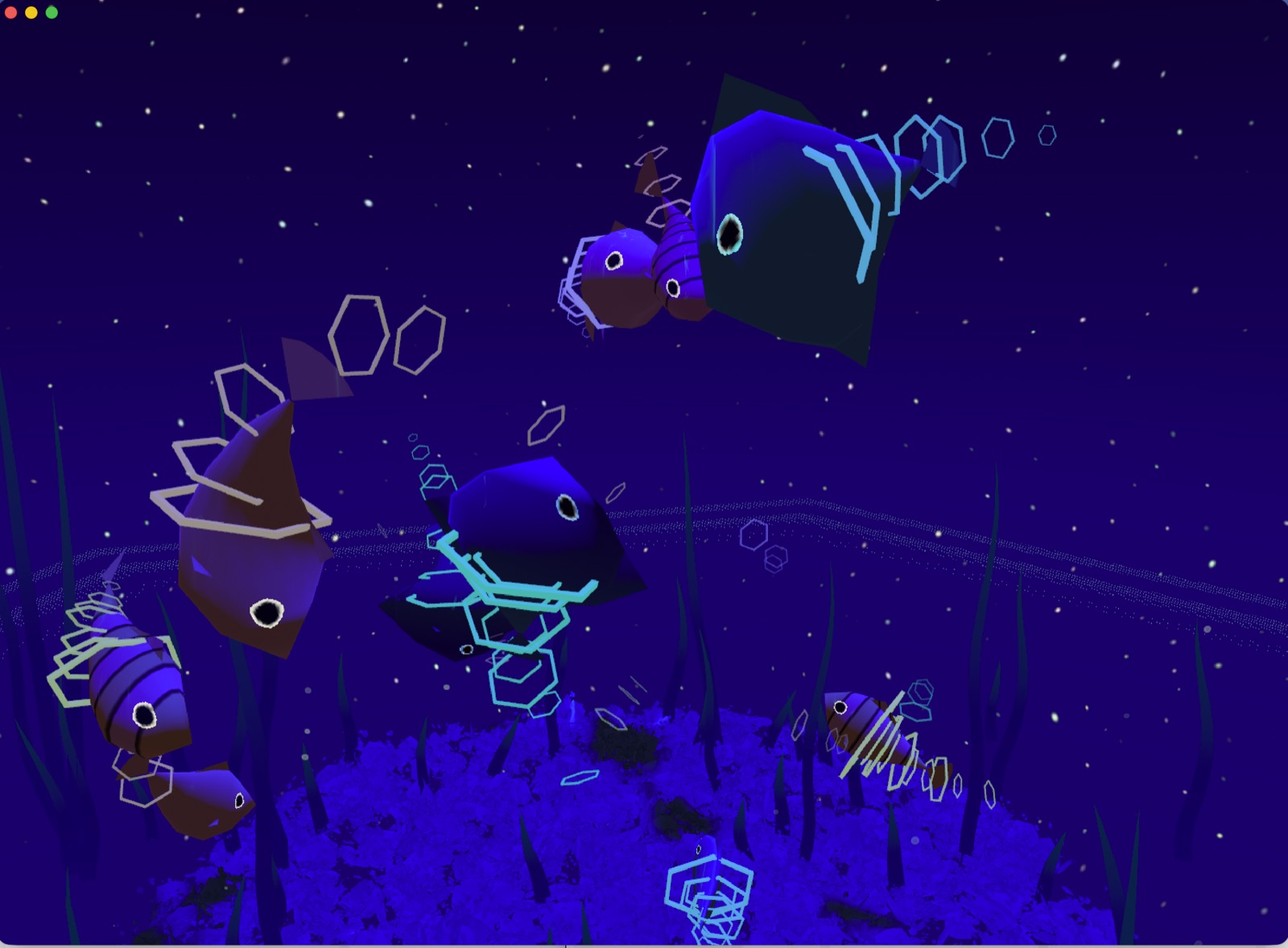
Becomes your desktop, behind every window. The whole screen is the tank.
A real MacOS aquarium screensaver. Step away and the tank takes over the whole screen, still dancing to your music.
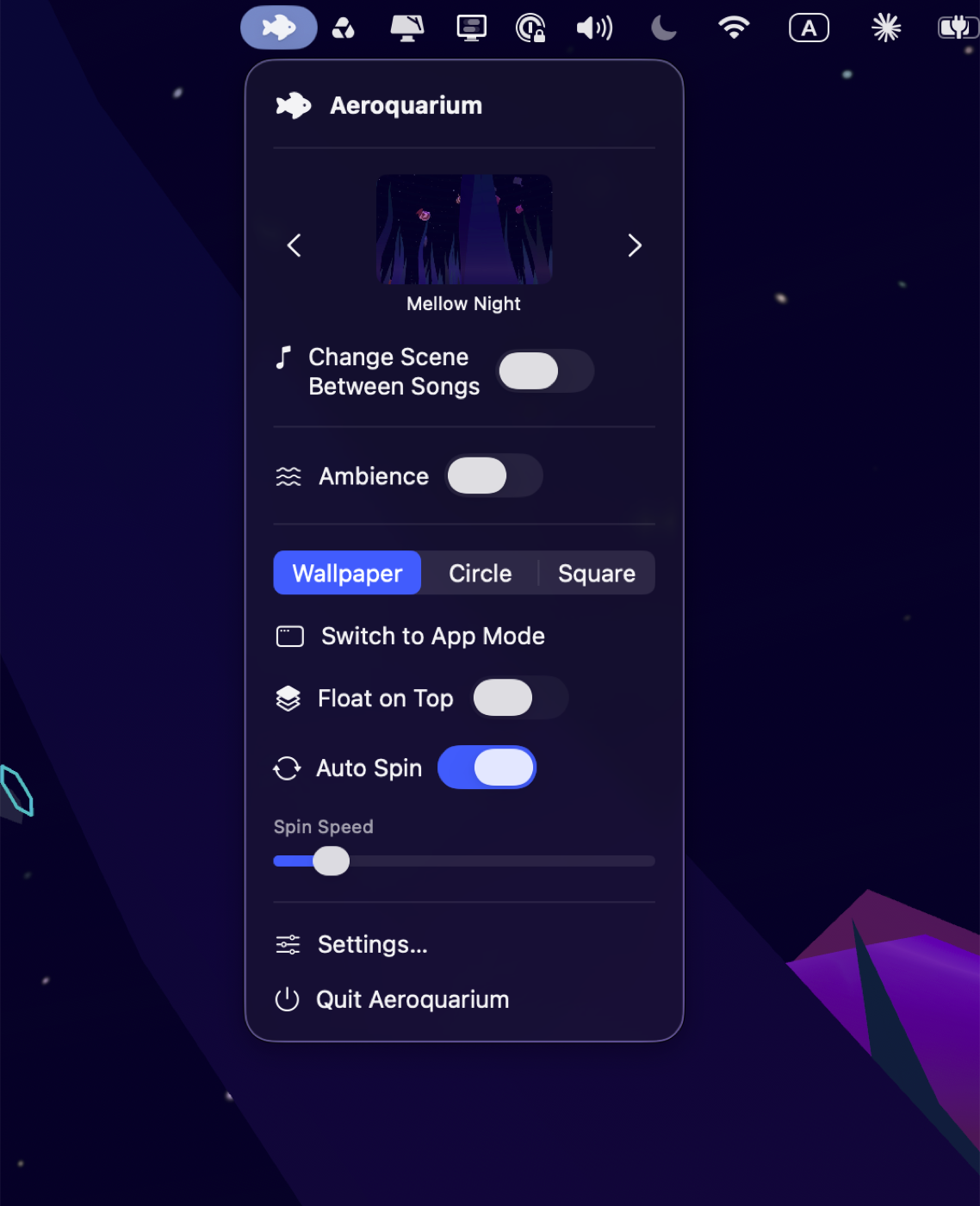
Everything lives in one menu-bar drop-down: flip between modes,
page through your saved scenes, toggle ambience, or let it change worlds between songs on its own.
You can also disable the menu bar and have it live in the doc as a normal app, the choice is yours
Yes. Wallpaper mode turns your MacOS desktop into a live, animated fish tank that sits behind every window. It's a real-time 3D aquarium, not a looping video.
Yes. Cyberquarium includes a native aquarium screensaver for Mac, and it's also a screensaver that never has to switch off: the fish keep swimming while your Mac is idle, and it's built to run all day on Apple Silicon without draining your battery. Pick Cyberquarium in the MacOS Screen Saver settings, or just leave wallpaper mode on.
Any Apple Silicon Mac (M1 or later) running MacOS 15 or later. It's a native SwiftUI and Metal app, about 3 MB.
Yes. Cyberquarium listens to whatever your Mac is playing — Spotify, Apple Music, YouTube, a DJ set in your browser — and the fish, kelp and light react to the bass, mids and treble. It's a music visualizer and an aquarium in one. Audio never leaves your Mac.
No. No watermark, no ads, no subscription and no account. You pay $10 once and get the full app with every scene and all future updates.
$10, once. Every scene, every option and all future updates are included. No subscription, no account.

Hi! I'm Edwon — former Disney Imagineer, current film director, and I also made Waba, the virtual pet for Apple Vision Pro.
I built Cyberquarium because I wanted it myself. I wanted a little fish tank living in the corner of my screen or on my wallpaper while I work — not just a gaudy sim of real fish, but something more fun, creative, and magical that reacts to music. And something to fall asleep to with music on at night. It didn't exist, so I made it — and it turned out cool enough that I figured other people might want one too.
It's just me here, so if something breaks or you have an idea, you can email me directly. I read everything.
Contact Edwon$10, one time. Every scene, every option, all future updates. No subscription, no account.
Buy for MacOS $103 MB · Runs great on any Apple Silicon Mac, MacOS 15 or later